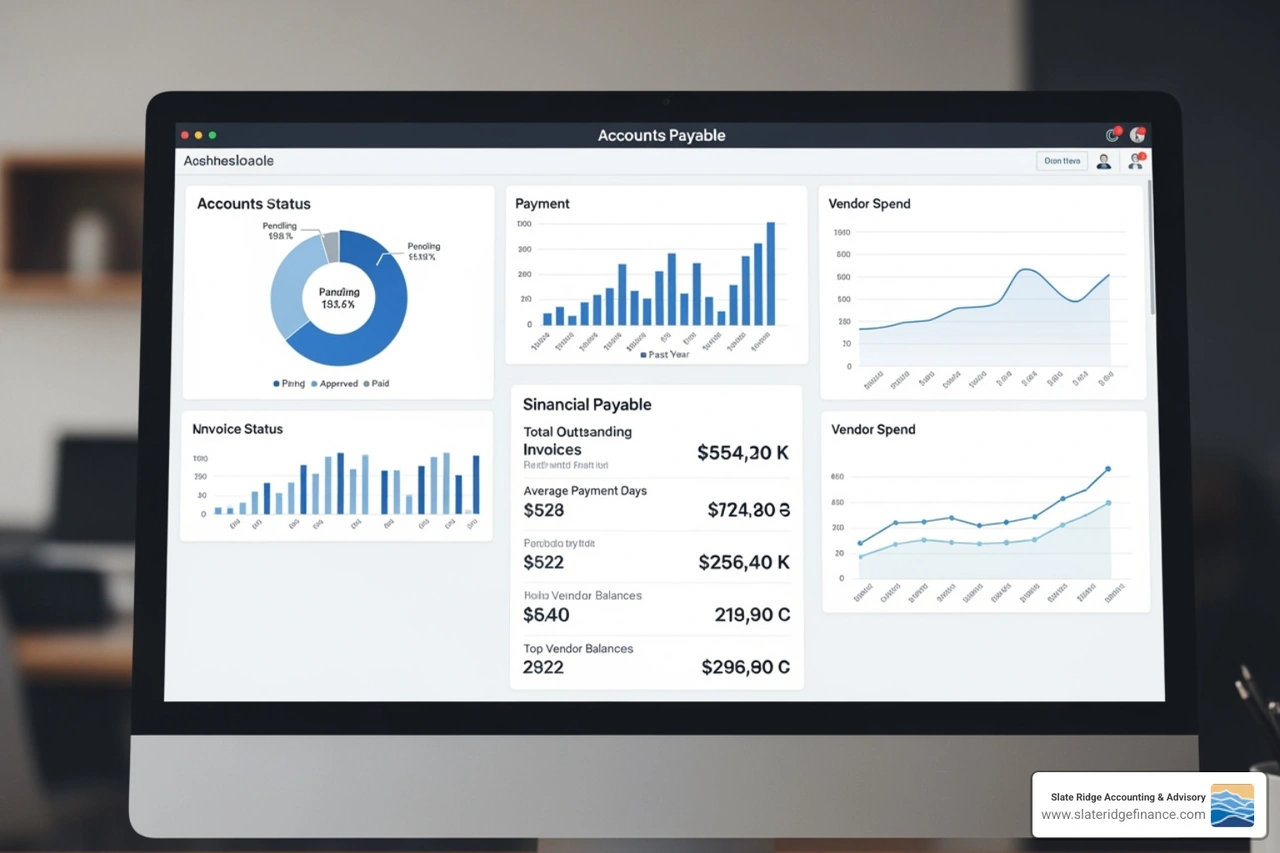

What Are Virtual Bookkeeping Services and How Do They Work?
Virtual bookkeeping is the practice of managing a company’s financial records remotely using secure cloud platforms, automated data feeds, and digital document workflows. Instead of an employee sitting at a desk in your office sorting paper receipts, a remote team maintains your general ledger through real-time software integrations.
At Slate Ridge Accounting & Advisory, we see business owners who are tired of the old-school shoebox method. Transitioning to modern bookkeeping services allows your business to eliminate paper waste, automate mundane data entry, and maintain audit-ready records continuously.
Rather than waiting for paper statements to arrive in the mail weeks after month-end, virtual bookkeepers establish secure, read-only feeds directly from your financial institutions. Every transaction flows straight into your cloud ledger, where it is matched, categorized, and reconciled against digital source documents.
| Feature | In-House Bookkeeper | Virtual Bookkeeping Service |
|---|---|---|
| Location & Overhead | Requires physical office space, hardware, and benefits | 100% remote; zero office footprint or equipment costs |
| Data Access | Often locked to a single local desktop or server | Secure 24/7 access from any connected device |
| Scalability | Limited by one person's working hours | Easily adjusts up or down as transaction volume shifts |
| Technology Stack | Manual entry, desktop files, physical paper files | Integrated cloud tools, OCR scanning, automated rules |
| Cost Structure | Full-time or part-time salary + payroll taxes + benefits | Predictable flat monthly fee or customized service tiers |
| Continuity Risk | High disruption during sick leave, vacation, or turnover | Team-backed consistency with zero operational downtime |
Core Mechanisms of Remote Financial Management
Virtual financial management relies on a modern software ecosystem. Bank data feeds pull cleared transactions automatically, while optical character recognition (OCR) tools scan vendor receipts and match them to open expenses.
By utilizing comprehensive remote accounting solutions, every receipt, bill, and contract is stored digitally and linked directly to the corresponding entry in your ledger. Continuous reconciliation replaces the frantic month-end rush, ensuring that your balance sheet reflects current realities rather than ancient history.

Comprehensive Scope of Day-to-Day Virtual Bookkeeping Tasks
A dedicated remote team takes over the daily operational tasks that drain business owners of their valuable time:
- Accounts Payable (AP): Collecting digital bills, verifying vendor information, matching purchase orders, routing invoices for approval, and scheduling payments.
- Accounts Receivable (AR): Generating customer invoices, tracking payment statuses, applying incoming funds, and issuing automated payment reminders.
- Bank and Credit Card Reconciliations: Matching bank feeds against internal records daily or weekly to flag discrepancies, duplicate charges, or missing documentation.
- Payroll Synchronization: Recording gross wages, employer taxes, benefit contributions, and employee withholdings from third-party payroll processors into the general ledger.
- Month-End Adjustments and Reporting: Posting depreciation, accruals, and deferrals, then generating clean balance sheets, income statements, and cash flow reports.
What a Reliable Monthly Close Looks Like
A strong virtual bookkeeping process follows a repeatable monthly close rather than treating reconciliation as a once-a-year cleanup. After transactions are categorized and accounts are reconciled, the bookkeeping team reviews unusual items, uncategorized activity, outstanding bills, customer balances, and supporting documentation. The result is a set of financial statements that management can review with confidence instead of a ledger that simply records activity.
For business owners, that cadence makes it easier to spot cash-flow pressure, margin changes, and spending patterns early. It also reduces the scramble that often occurs before a loan application, tax filing, due-diligence request, or conversation with an advisor.
Essential Automation Tools Powering Cloud Bookkeeping
Virtual bookkeeping works smoothly because modern software eliminates repetitive, manual data entry. Instead of typing line items by hand, automated systems capture, route, and categorize transactions behind the scenes.
Automated Bill Pay and Accounts Payable Management
Handling vendor payments manually is one of the quickest ways to lose control of your cash flow. Cloud bill-pay platforms allow suppliers to email invoices directly to an inbox where artificial intelligence extracts the invoice number, due date, line items, and totals.
From there, custom approval chains route the bill to the right manager for a one-click review on their phone. Once approved, the system executes payment via ACH, check, or virtual card according to your pre-set schedule. This process prevents duplicate payments, cuts processing time from days to minutes, and keeps your accounts payable ledger perfectly aligned with your cash balances.
Real-Time Invoicing and Accounts Receivable Tracking
Getting paid quickly requires a simple billing experience for your customers. Virtual bookkeeping platforms integrate directly with point-of-sale systems, merchant processors, and digital invoicing portals.
You can set up automated recurring invoices for retainer clients, include direct "Pay Now" links via credit card or ACH, and establish polite, automated email sequences for overdue accounts. These tools give you complete visibility into aging receivables, helping reduce outstanding balances without requiring uncomfortable manual follow-up calls.
Expense Capture, Receipt Management, and Approval Workflows
Automation is most useful when it is paired with clear review rules. Receipt-capture tools can collect source documents from email, mobile uploads, and shared folders, then attach them to the related expense. Approval workflows determine which purchases need manager review and which recurring charges can follow preapproved rules.
That structure helps preserve documentation without creating unnecessary bottlenecks. It also gives owners and managers a clearer audit trail for vendor spending, reimbursable expenses, and exceptions that deserve a closer look. A virtual bookkeeping team can refine these rules as responsibilities, transaction volume, or software needs change.
Pricing Models and Cost Analysis for Remote Bookkeeping
Hiring an in-house bookkeeper involves significant overhead: recruiting costs, full-time wages, payroll taxes, health insurance, retirement benefits, paid time off, and workstation hardware. For many growing companies, an in-house hire is an unnecessary expense when compared to the flexible options available through modern firms.
Understanding the true virtual bookkeeper cost helps you evaluate what your business actually needs. Rather than paying for 40 hours of on-site presence regardless of workload, virtual models let you pay specifically for the support your business requires.
Fixed Monthly Retainers vs. Hourly Rates
Most modern practices have shifted away from traditional hourly billing in favor of transparent, flat-fee subscription tiers.
Consulting a detailed bookkeeping services pricing guide shows that fixed retainers align incentives. Your bookkeeper works to make your financial workflow as efficient and automated as possible, while you enjoy predictable overhead and reliable turnaround times.
What Influences the Cost of Virtual Bookkeeping?
Service pricing typically reflects the complexity of the work rather than a single universal rate. Factors can include the number of monthly transactions, bank and credit-card accounts, payroll activity, outstanding receivables and payables, inventory requirements, multi-entity reporting, catch-up work, and the level of management reporting requested.
When comparing providers, ask what is included in the monthly scope, how cleanup projects are handled, who performs the review, and when financial reports will be delivered. The lowest quoted fee may not include the controls, responsiveness, or advisory support a growing business needs. A clear scope of work makes it easier to compare options on value as well as cost.
Why Small Businesses Choose Virtual Bookkeeping Services
Business owners across North Carolina—from fast-growing startups in Raleigh and Charlotte to established local businesses in Asheville, Wilmington, Greensboro, and Boone—turn to virtual bookkeeping because it provides agility.
Reviewing a virtual accounting firm guide highlights how fractional support gives you access to senior-level systems, processes, and oversight at a fraction of the cost of an internal accounting department. You gain the freedom to reinvest saved capital directly into revenue-generating operations like sales, marketing, and product development.
Choosing the Right Level of Support
Not every business needs the same bookkeeping model. A service-based company with a few accounts may need dependable reconciliations and monthly financial statements, while a retailer, contractor, or multi-location company may need bill-pay coordination, job-cost reporting, inventory integrations, or weekly cash-flow visibility.
The best fit begins with the decisions the owner needs to make. If management needs to monitor profitability by service line, location, customer, or project, the chart of accounts and reporting workflow should be designed around those questions. This turns bookkeeping from a compliance task into a practical source of operational insight.
Maintaining Governance, Internal Controls, and Data Security
A common concern among business owners considering virtual management is maintaining control: If my bookkeeper is remote, how do I ensure our funds and private records remain safe?
In practice, a well-architected cloud system provides stronger internal controls and security than traditional, paper-based offices.
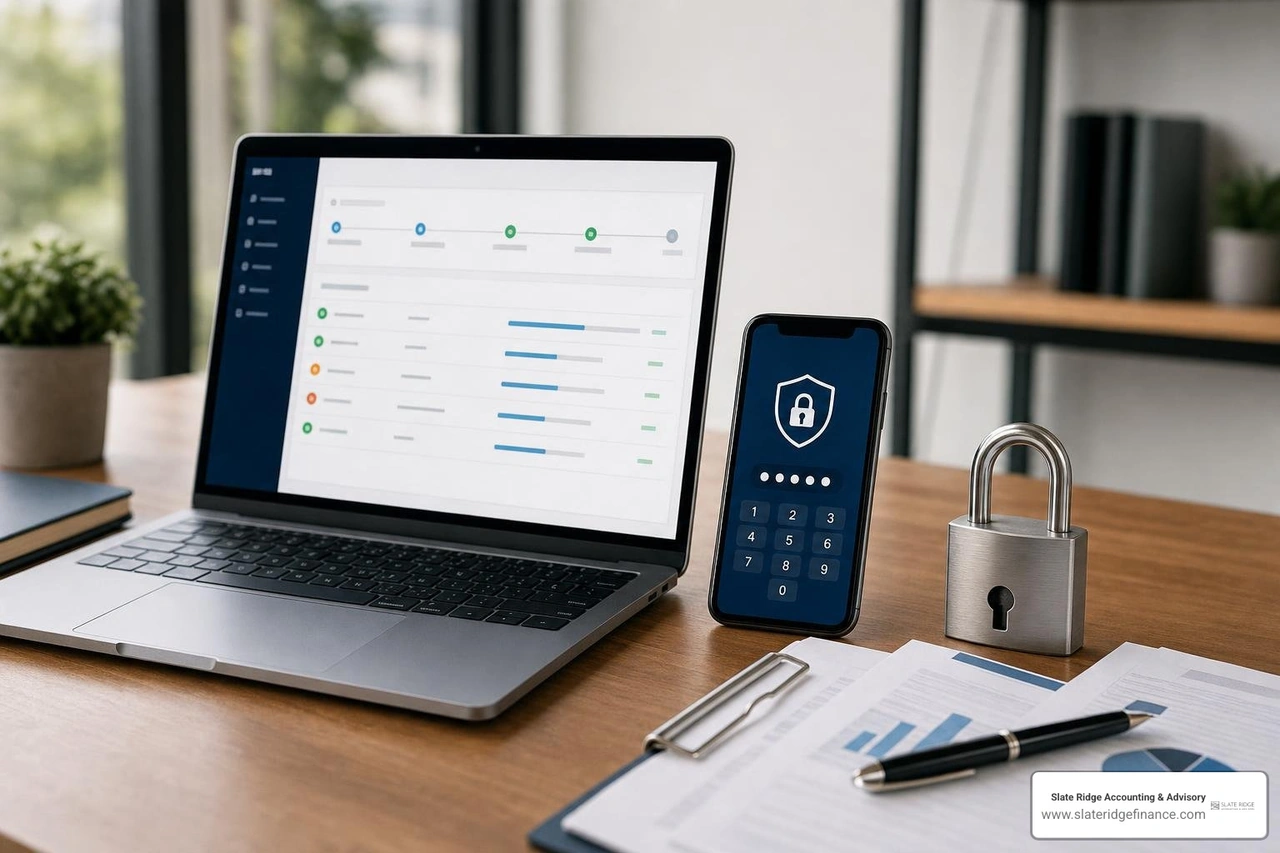
Establishing Internal Controls and Multi-Level Approvals
Virtual bookkeeping creates a natural separation of duties. In a traditional small office, one person might open the mail, record bills, write checks, sign them, and reconcile the bank account—an arrangement vulnerable to errors and fraud.
With virtual workflows, roles are clearly divided:
- Your virtual bookkeeping team enters, codes, and matches incoming bills.
- Your department managers digitally approve project-specific expenses.
- You (the business owner) maintain sole authorization to release funds from your bank.
Nobody on the remote bookkeeping team has direct access to move money out of your accounts without your approval. Dual-authorization thresholds ensure that payments exceeding specific amounts require your direct authorization.
Security Protocols Used by Virtual Bookkeeping Services
Modern cloud accounting software relies on enterprise-grade security standards that outpace the protection of a physical office computer:
- End-to-End Encryption: Financial data is encrypted both in transit (using TLS protocols) and at rest (using AES-256 encryption).
- Multi-Factor Authentication (MFA): Access to your ledgers and supporting applications requires two-step verification, blocking unauthorized credential access.
- Role-Based Permissions: Team members are granted access strictly to the modules they need for their specific duties.
- Continuous Backups & Audit Trails: Cloud systems track every keystroke, edit, and deletion in a detailed audit log, making unauthorized alterations straightforward to identify.
Practical Safeguards to Confirm Before You Outsource
Before granting access to financial systems, establish a written access plan. The plan should identify which team members can view records, create bills, approve payments, reconcile accounts, or change bank details. Access should be reviewed when roles change, and former employees or vendors should be removed promptly.
It is also wise to confirm how documents are shared, how exceptions are escalated, and who reviews completed reconciliations. Strong controls are not only technical. They depend on documented responsibilities, consistent review, and a clear process for responding to suspicious activity or data issues.
Frequently Asked Questions About Virtual Bookkeeping
How does onboarding work with a virtual bookkeeping team?
Onboarding begins with a comprehensive review of your existing financial setup. Your team connects your primary accounts to the cloud software, establishes custom document-sharing workflows, and configures automated bill-pay and invoicing rules. If past records contain unorganized entries or overdue reconciliations, your team completes a historical clean-up phase before transitioning to regular monthly maintenance.
Can virtual bookkeeping handle complex multi-entity or inventory businesses?
Yes. Modern cloud platforms handle multi-entity consolidation, intercompany eliminations, point-of-sale integrations, and specialized inventory tracking. Virtual teams use cloud tools that sync real-time inventory levels, cost-of-goods-sold calculations, and multi-channel revenue data directly into your general ledger.
How does a virtual bookkeeper collaborate with my CPA during tax season?
Your virtual bookkeeping team works alongside your tax preparer. By closing out December cleanly, completing year-end reconciliations, and preparing clear supporting schedules, your bookkeeper provides a tax-ready trial balance. This direct handoff minimizes CPA billable hours spent sorting receipts and helps ensure you capture every allowable deduction.
How long does it take to transition to virtual bookkeeping?
The timeline depends on the condition of the existing books and the number of systems involved. A straightforward transition may begin with account access, document collection, and workflow setup, while businesses with unreconciled accounts or incomplete historical records may need a cleanup phase first. A good onboarding plan identifies the opening balances, outstanding tasks, reporting priorities, and responsibilities before regular service begins.
What reports should a business owner review each month?
Most owners benefit from reviewing a balance sheet, income statement, cash-flow view, accounts receivable aging, and accounts payable aging. The most helpful reporting package depends on the business model. For example, a project-based company may also need job-cost detail, while a recurring-revenue business may want visibility into customer trends and operating margins. The goal is to receive reports that answer management questions, not simply to produce paperwork.
Conclusion
Cluttered desks, lost receipts, and delayed financial reports do not have to be the cost of running a growing business. Switching to modern cloud systems gives you continuous visibility into your numbers, reliable financial controls, and the freedom to focus on growth.
At Slate Ridge Accounting & Advisory, we help small businesses across North Carolina build organized back-office workflows. Whether you operate in Greenville, Hickory, Morganton, or anywhere else in the state, our team delivers the clarity you need to make confident decisions.
Ready to leave financial chaos behind? Explore our tailored virtual accounting services today and get your books working for you.
Ready to get started?
Book a free consultation today and let’s explore how Slate Ridge can support your business with expert accounting that’s accurate, timely, and built around your goals.
You Might Also Like
A few more posts we think you’ll enjoy on topics that matter to business owners like you.